
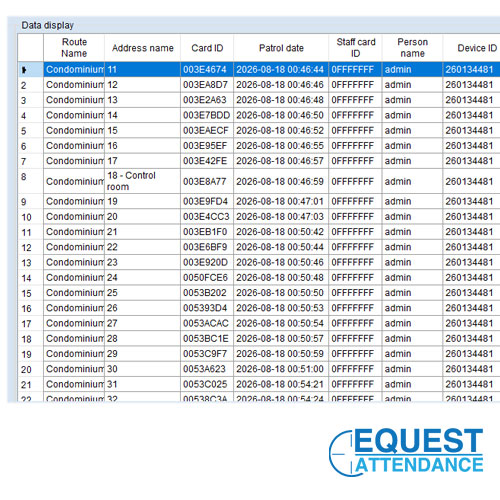
How To Generate Guard Patrol Clocking Report
Cara Print Laporan Rondaan Pengawak Sekuriti
Below is the step by step photo to generate patrolling report. Applicable for Timi TG-1 and ITBOX Gowo 4 Reader Only
Berikut adalah langkah untuk dapatkan laporan masa rondaan.
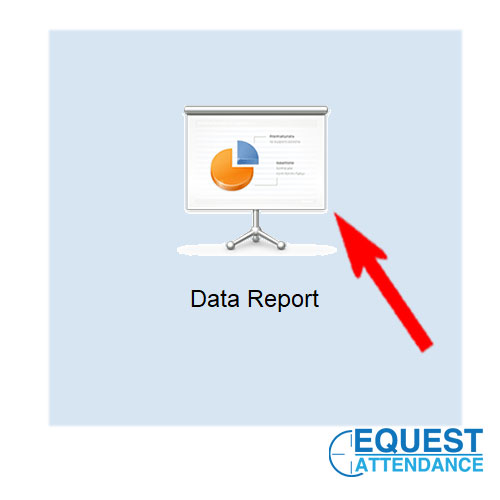
Step 01: Click data report
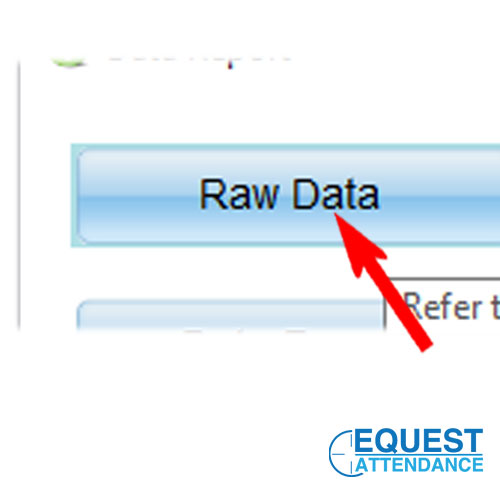
Step 02: Click Raw Data
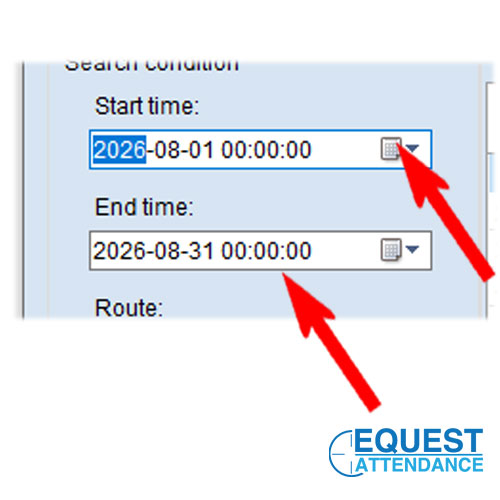
Step 03: Select day and month ( maximum 1 month cycle only)
Step 04: Select Route
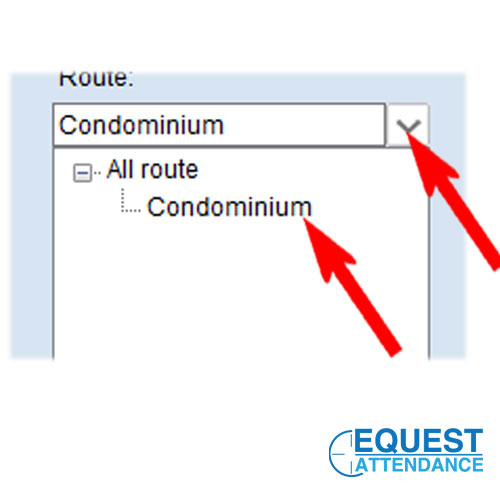
Step 05: Select Station Check Point
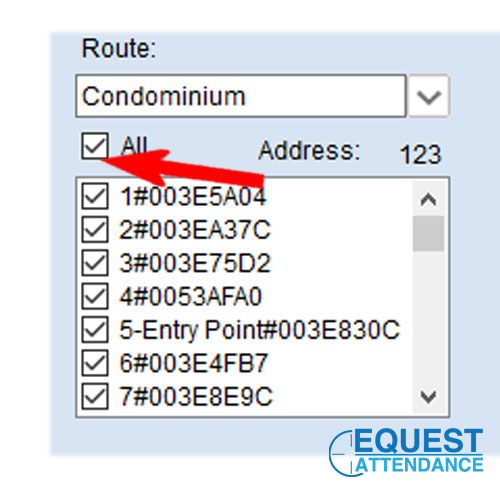
Step 06: Click Search
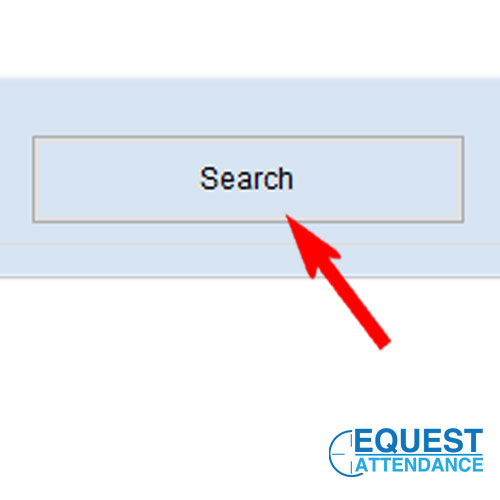
Step 07: Result Generate Complete
Step 08: Export Excel or PDF Report
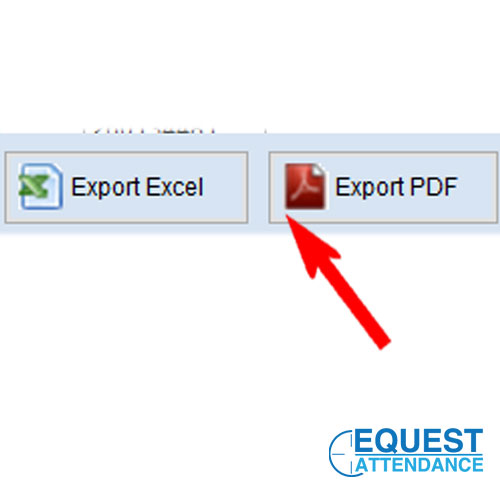
Guard patrol Software Print Report Tutorial Video:
Click Here For Other Tutorial List
By Equest Attendance Marketing


